
Model Context Protocol
YOUR AI.
ONE TOOL CALL.
EVERY PLATFORM.
PostMoore plugs into Claude Desktop, Claude Code, Cursor, and any MCP-compatible assistant. One instruction publishes to every platform — no dashboard, no manual workflow.
In your terminal
RUNS WHERE YOU ALREADY WORK.
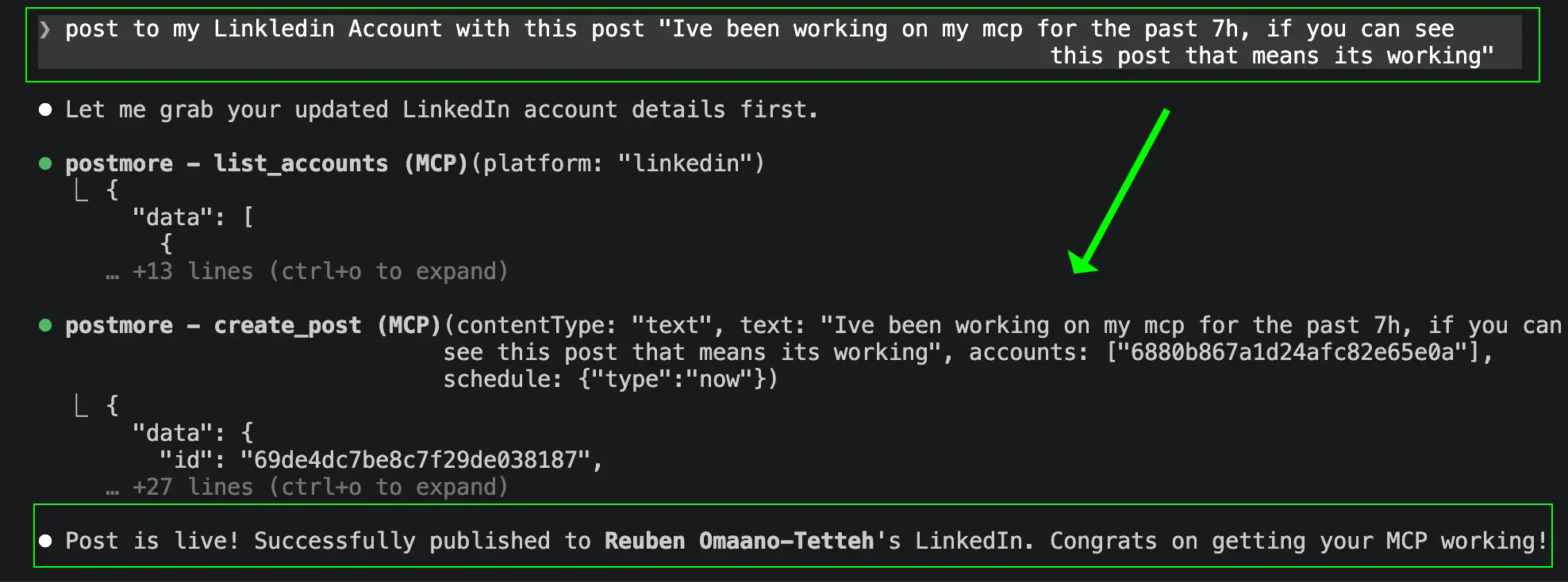
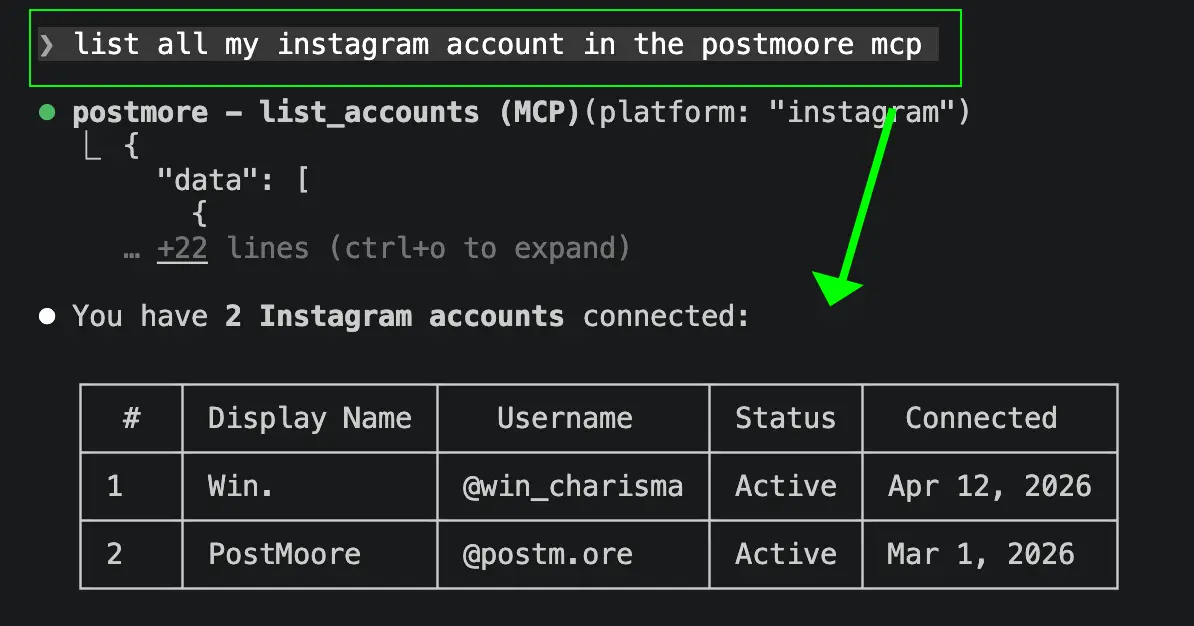
No new app. No new tab. PostMoore appears as a set of tools inside your existing AI environment — terminal, chat, IDE.
Conversation flow
TELL YOUR AGENT WHAT TO POST.
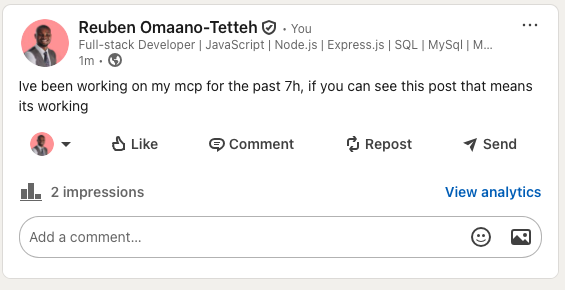
The goal is simple: stop turning social distribution into a separate manual workflow. Your assistant or runtime should be able to reason, choose accounts, upload media, create drafts, and publish from the same thread.
Setup
LIVE IN THREE STEPS.
From zero to posting across every platform in under five minutes.
01
Create your account
Sign up at postmoo.re, connect your social accounts, and generate an API key from Settings.
02
Add PostMoore to your AI
Drop the MCP config into Claude Desktop, Claude Code, Cursor, or any MCP-compatible client. One JSON block.
03
Start posting from chat
Type a natural instruction. Your assistant calls the PostMoore tools and publishes across every platform instantly.
What MCP gives your agent
EVERY TOOL YOUR AGENT NEEDS.
PostMoore exposes a complete social publishing toolkit over MCP — so your assistant can post, schedule, upload media, manage drafts, and read account status without leaving the conversation.
Native tool calling
MCP exposes PostMoore as a set of tools your assistant can call directly — no copy-paste, no tab switching.
Multi-platform posts
One tool call fans out to every connected account. Instagram, TikTok, YouTube, LinkedIn, X, Threads, and more.
Schedule and draft
Tell your agent when to post. It handles queuing, drafts, and scheduled publishing without leaving the thread.
Media uploads
Pass a file path or URL and your agent uploads the media and attaches it to the post in one step.
Account resolution
Ask for your connected accounts, check their status, and target specific platforms by name — all from chat.
Per-platform results
Get back a result object per account so you can branch logic, retry failures, or confirm what went live.
Ready to post with AI
CONNECT YOUR AI.
POST EVERYWHERE.
Add PostMoore to your assistant in one config block and start publishing to every connected platform from a single instruction.